Short answer from our tests: no text in the image → Google Nano Banana. Any text in the image → ChatGPT Image. Nano Banana makes the most realistic product photos, but one misspelled or warped word ruins a poster. ChatGPT Image gets the text and layout right, but its photos look less real and it adds its own decoration unless the prompt sets strict design rules.
Observations from one product tested across 20+ images (the set in our Amazon & Shopify listing guide and Shopify store guide). Models change often. Treat this as a starting rule, not a ranking. We make Poster Grammar, which lets you use both.
| Google Nano Banana (Gemini image models) | ChatGPT Image | |
|---|---|---|
| Best at | Realistic photos: material texture, true colour, natural light, believable scenes | Text, headlines, labels, measurements, infographics, structured layouts |
| Weak at | Any text: misspellings, warped letters, invented words | Photo realism. Without rules it adds strokes, slanted text and clutter |
| Use for | Amazon main image, Shopify gallery and hero banners, lifestyle, macro, flat lay | Amazon and Shopify size, feature, comparison and trust images; posters; ads with copy |
| Prompt tip | Say "no text" and leave space empty for text added later | Give exact type and design rules (below) |
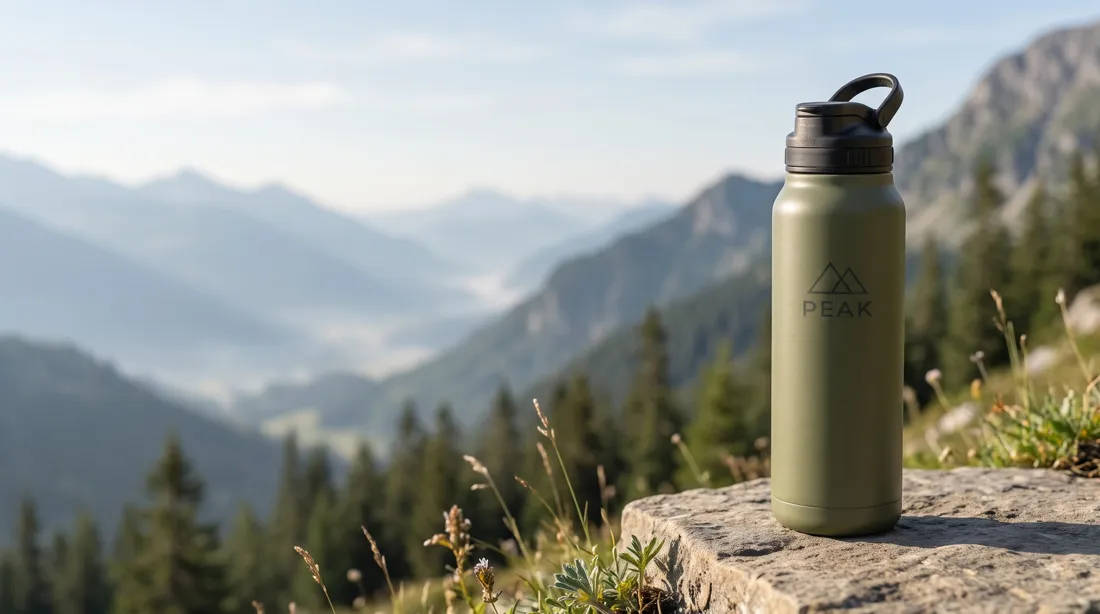
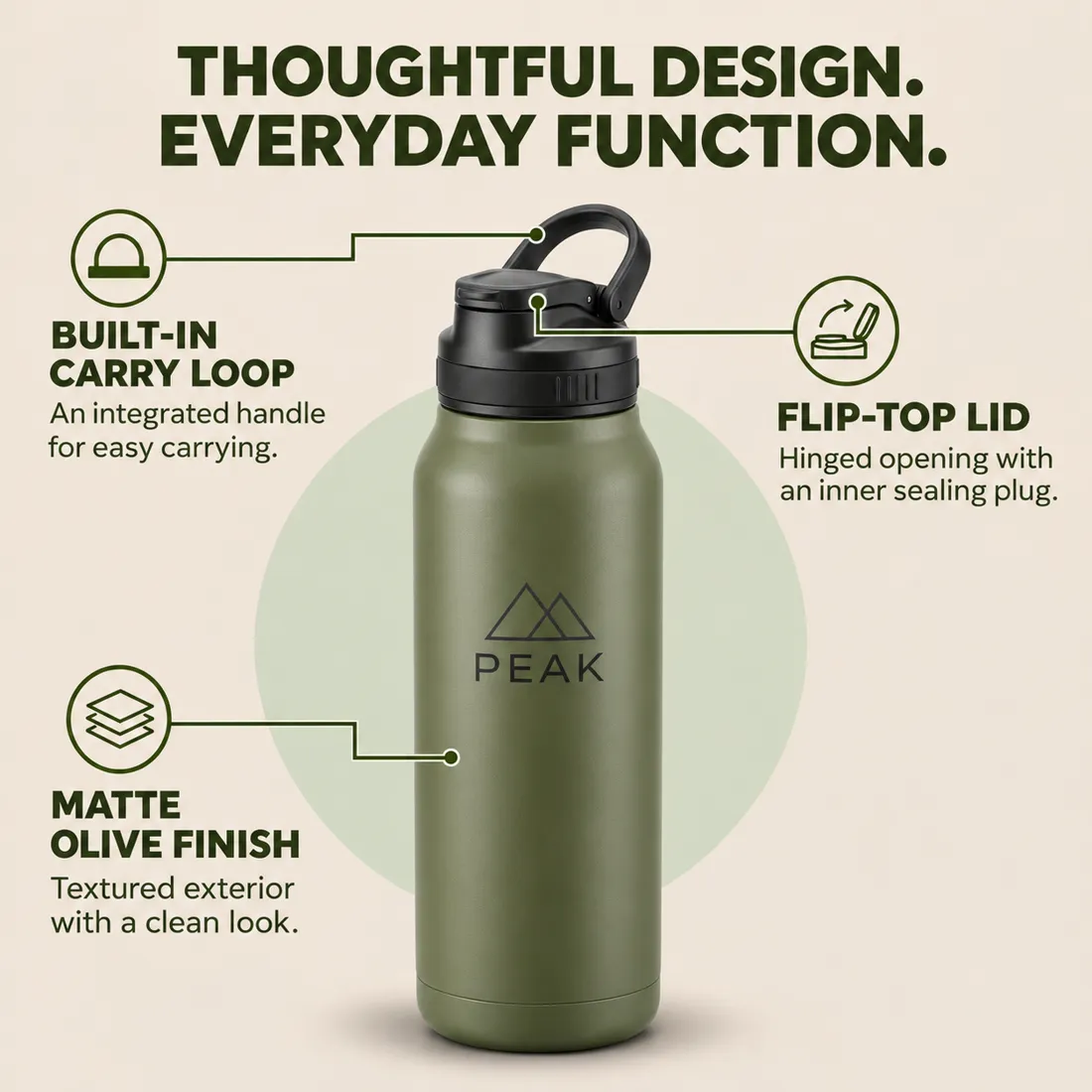
Need both? Make the photo with Nano Banana and leave the text area empty. Then attach that photo to ChatGPT Image and ask it to add only the listed text, without changing the photo. Or add the text yourself in an editor.
Left alone, ChatGPT Image decorates: outlined or stroked letters, italic or tilted headlines, extra lines and badges, shadows, cramped edges. It follows instructions well, so tell it exactly what the type looks like. Paste this block into any prompt with text and change the values:
TYPE AND DESIGN RULES (follow exactly):
- Headline: bold geometric sans-serif, all caps, about 90 px tall on a 2000 px canvas, colour #3F4A2E, at most 2 lines, left-aligned.
- Labels: same typeface, bold, about 42 px. Body lines: regular weight, about 30 px, line height 1.3.
- One typeface family only. Clear size steps: headline at least twice the label size.
- Every line of text perfectly horizontal on a straight baseline. No italic, slanted, rotated, curved or warped text.
- No outlines, strokes, glows, drop shadows, bevels or 3D effects on text or icons.
- Icons: simple single-weight line icons, all the same size and stroke.
- Only the text listed in this prompt, spelled exactly. No extra words, numbers, badges, stars, seals or logos.
- At least 120 px clear margin on every side; nothing touches the edges. Equal spacing between repeated rows.
- Flat background: no textures, patterns or decorative shapes beyond those described.
In our tests, Nano Banana gave the most realistic product photography. Use it for any image without text.
ChatGPT Image. It renders headlines and labels reliably. Nano Banana often warps text, and one bad word spoils the poster.
Because the prompt leaves type and decoration open. Give it the rules block above: font style, sizes, weights, alignment, margins, and no strokes, slants or extras.